Apple Forces AI On Your Mac. RemoveMacAI Takes Apple Intelligence Out of macOS 27
macOS 27 ships without the master switch for Apple Intelligence, and the models stay on your disk: The Verge measured about 35 GB. RemoveMacAI, a command line tool by Om Lahore, uses Apple's own restriction keys in a configuration profile to switch the features off, deletes the models and plugs the re-download path, with a built-in revert command and open questions.
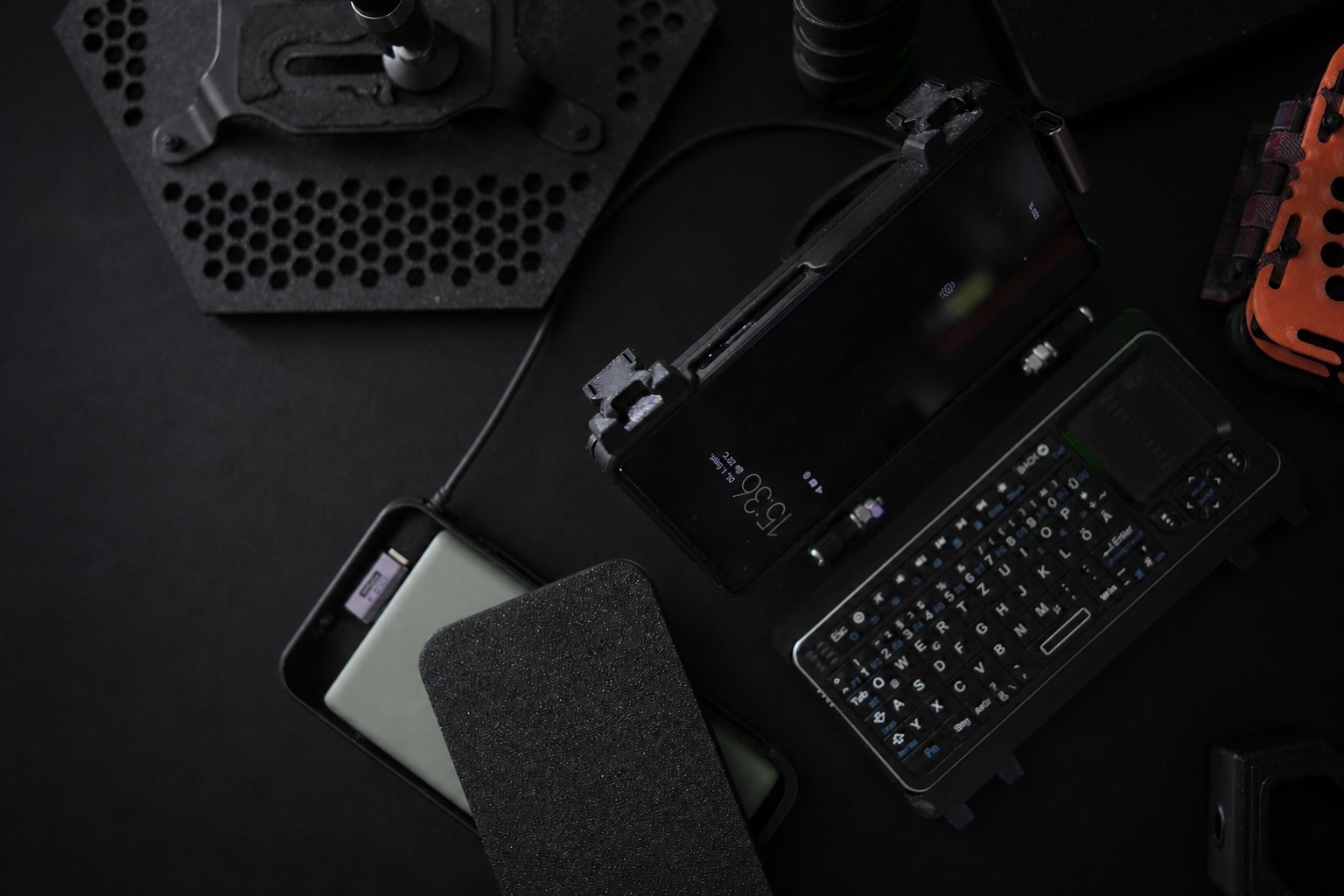
Kein fertiges Produkt und keine Hochglanz-Rückschau: Dieser Eintrag hält fest, was gebaut, getestet, verworfen und als Nächstes überprüft wird.
Apple presents macOS 27 as the release where artificial intelligence simply comes with the machine. The catch is sitting in System Settings: the one toggle that used to switch Apple Inteligence off entirely is gone. What is left is around a dozen separate switches, some of them buried behind Screen Time, and even if you track down and flip every single one, the downloaded models remain on your drive. Apple puts the newest features at up to 14 GB of storage. The Verge measured more: roughly 35 GB, read from the storage pane of a MacBook Air under the macOS entry. On a Mac with 256 GB, that is a chunk of capacity nobody consciously handed over. An independent developer is now pushing back. Om Lahore has built RemoveMacAI, a command line tool that disables Apple Intelligence through a configuration profile, removes the models and reroutes the download path so the system cannot quietly pull them back. This piece covers what the tool does, what it risks and who should run it. The lead came from the Chilikanal AI news podcast dated 06.10.2026.
The switch that disappeared, and the 35 GB reading
Older macOS builds treated Apple Intelligence as opt-out at the top level: a single master switch killed the whole suite. macOS 27 removed that comfort level. According to the reporting by The Verge, users now get about a dozen individual controls, spread across the regular System Settings and behind Screen Time of all places. Finding them all does not win you much, because the base models keep sitting on the SSD unless you go further. Since late September this has been the state of the union for Mac owners: a machine that carries AI components its buyer never asked for. The size of that cargo is not a footnote. Between Apple's own figure of up to 14 GB for the newest features and The Verge's reading of a good 35 GB on a MacBook Air there is a gap that shows how hard this inventory is to pin down. Apple counts only what it calls the latest functions; the storage pane shows what is actually installed. Everyone who refuses to donate disk space now faces the same two questions: how big exactly is this uninvited housemate on my machine, and why does the system ship without a tool to evict it?
What RemoveMacAI does under the hood
RemoveMacAI is a command line project by Om Lahore, published openly on GitHub with its most recent commit on 29.09.2026. Installation runs through an installer script that places a .mobileconfig configuration profile, and macOS asks you to confirm that profile yourself in System Settings, which is the correct friction point. After that the tool does three things. First it switches Apple Intelligence features off using the same restriction keys Apple itself provides for managed configurations, which covers Siri, Writing Tools, Genmoji and the rest of the suite. Second it deletes the downloaded models from the disk. Third it redirects the model download path to a closed local port, so macOS has nowhere to reload them from. That makes this a comparatively tidy approach: it uses mechanisms Apple built and does not carve into system files. The project documentation lists what gets removed: the foundation models, the image generation models with Genmoji, Spatial Photos, Photos Clean Up and Xcode code completion. Anything that talks to the on-device models falls away too, including the Foundation Models framework for apps, the Use Model action in Shortcuts, Visual Intelligence and natural language editing in Calendar.
What you give up when the models go
Deleting the models takes every feature that leans on them. The Chilikanal piece names Smart Replies in Mail and code completion in Xcode as examples. 9to5Mac extends the list with image generation and Genmoji, Spatial Photos, Photos Clean Up and the on-device interfaces available to apps. None of this is an edge case for power users; it is a trade you have to weigh for your own machine before touching anything. For developers the loss bites hardest, because Xcode code completion is a real productivity win. If you never use Visual Intelligence or smart replies, you part with very little. So this is not a statement against Apple as a company, it is a deliberate exchange: storage and control on one side, convenience on the other. That balance looks different depending on your workload. A living room Mac that does Mail, Photos and browsing sacrifices almost nothing, while a development machine with Xcode projects loses a feature you would likely notice every day. If you are not ready for that decision, the gentler route still works: switch the individual features off in System Settings and accept that the models keep occupying the disk.
The undo path and the unconfirmed parts
The project ships a reversal: a revert command removes the configuration profile, and macOS reloads the models as soon as you switch a feature back on. That built-in retreat is what separates this tool from the risky debloat scripts that cut into system files with no way back. Even so, several things remain unconfirmed. The list of what gets removed comes from Lahore himself, and Apple has not corroborated it. The claim that the changes survive system updates is, so far, only his claim as well. And any intervention into the system inventory, even through profiles and Apple's own asset service, is an intervention into managed state. The project therefore recommends a backup before you start, and running the status command to display sizes before any deletion. The Chilikanal piece advises exactly the same order: measure first, delete second. Write the revert command down before your first command, not after, and keep System Settings open so you can verify the result immediately.
Bigger than a debloat tool
The real story is not the tool, it is the move that made the tool necessary. A vendor ships a new OS release bundled with an AI suite, removes the master switch, and leaves the models in the system inventory whether the buyer wants them or not. That is not a bug, it is a product decision aimed at making Apple Intelligence the default. The response from the community shows how leverage shifts in the AI era: apps were always easy to uninstall, but models become uninvited system inventory, and the resistance migrates down to individual developers who work against the platform using the platform's own configuration mechanics. It also shows how user rights drift. The switch that used to settle the question is gone, and a private developer has to build a tool before the old right to say no comes back. The Verge, 9to5Mac and the Chilikanal have all covered the episode within days of each other, and the tool's own documentation is the most concrete source of all, because it states point by point what the intervention touches.
My verdict: measure first, then decide
At the end of the day sequence beats impulse. Start by measuring, not by deleting. The storage pane will tell you whether the models on your particular machine are worth the argument: they occupy the same categories everywhere, but not every setup downloads every component. On a Mac with a terabyte of storage this debate is academic; on a 256 GB machine it is a real question about free space. If you intervene, take a backup first, run the status command to see the sizes, and check the list of lost features against your own usage: Smart Replies in Mail, code completion in Xcode, Genmoji, Visual Intelligence. The revert command is built in, and reversibility is the strongest part of this project. The honest residual risk remains: Apple confirms neither the feature list nor that the changes survive future updates, and turning features off through a configuration profile is not an officially supported configuration. Document your starting state in a text file and the next macOS update gives you a reference point to repeat the measurement against. For everyone who consciously declines Apple Intelligence and wants the space back, RemoveMacAI is currently the cleanest way to take that decision back onto your own desk: it uses the channels Apple itself provided, removes nothing that cannot be restored, and leaves the product question exactly where it belongs, with the person who paid for the machine.
Frequently asked questions
How much storage does Apple Intelligence use on macOS 27?
Apple lists up to 14 GB for the newest features. The Verge measured around 35 GB in the storage pane of a MacBook Air, read under the macOS entry. The actual footprint varies by machine and by which functions are installed; a look at your own storage settings shows the concrete number.
What does RemoveMacAI do?
RemoveMacAI by Om Lahore is a command line tool that disables the Apple Intelligence features through Apple's own restriction keys in a configuration profile, deletes the downloaded models and redirects the download path to a closed local port so macOS cannot re-download anything. A revert command restores the previous state.
Which features disappear when the models are removed?
The foundation models, image generation and Genmoji, Spatial Photos, Photos Clean Up, Xcode code completion, Smart Replies in Mail, the app interface for on-device models including the Foundation Models framework and the Use Model action in Shortcuts, Visual Intelligence and natural language editing in Calendar. The list comes from the developer; Apple has not confirmed it.
Is the change reversible?
Yes. According to the project documentation, the revert command removes the configuration profile and macOS re-downloads the models as soon as you re-enable a feature. Whether the changes survive future macOS updates is still open; so far only the developer makes that claim.
Who benefits from running this tool?
Anyone who does not use Apple Intelligence and sits on a small drive where 14 to 35 GB makes a noticeable difference. On a large drive with plenty of free space the benefit is minor. A backup belongs in the routine before you start, and the storage settings confirm the result afterwards.
About the author
About the author: Marcel runs the HUNTER cyberdeck on a used Google Pixel 6a and writes about AI tooling, privacy and the field operations of agents. This post is based on the Chilikanal AI news podcast dated 06.10.2026 and on the linked primary sources. Last fact-checked on 06.10.2026.
Sources
omlahore/RemoveMacAI on GitHub, project documentation (retrieved 06.10.2026) ↗
Nachgebaut oder getestet?
Teile deine Erfahrung mit genau diesem Build-Log. Reviews werden vor der Veröffentlichung moderiert.
Noch keine Reviews für diesen Eintrag.
Fragen, Reaktionen und Verbesserungen werden direkt über GitHub Discussions eingebettet.
GitHub-Bereich öffnen ↗