Tencent BrowserSkill: Agent Windows Instead of a Trust Gap
BrowserSkill puts each agent task into its own browser window and borrows your tabs only against an explicit return. I read the architecture, the history and the limits, and hold them against my always-on operation on the 45 euro deck.
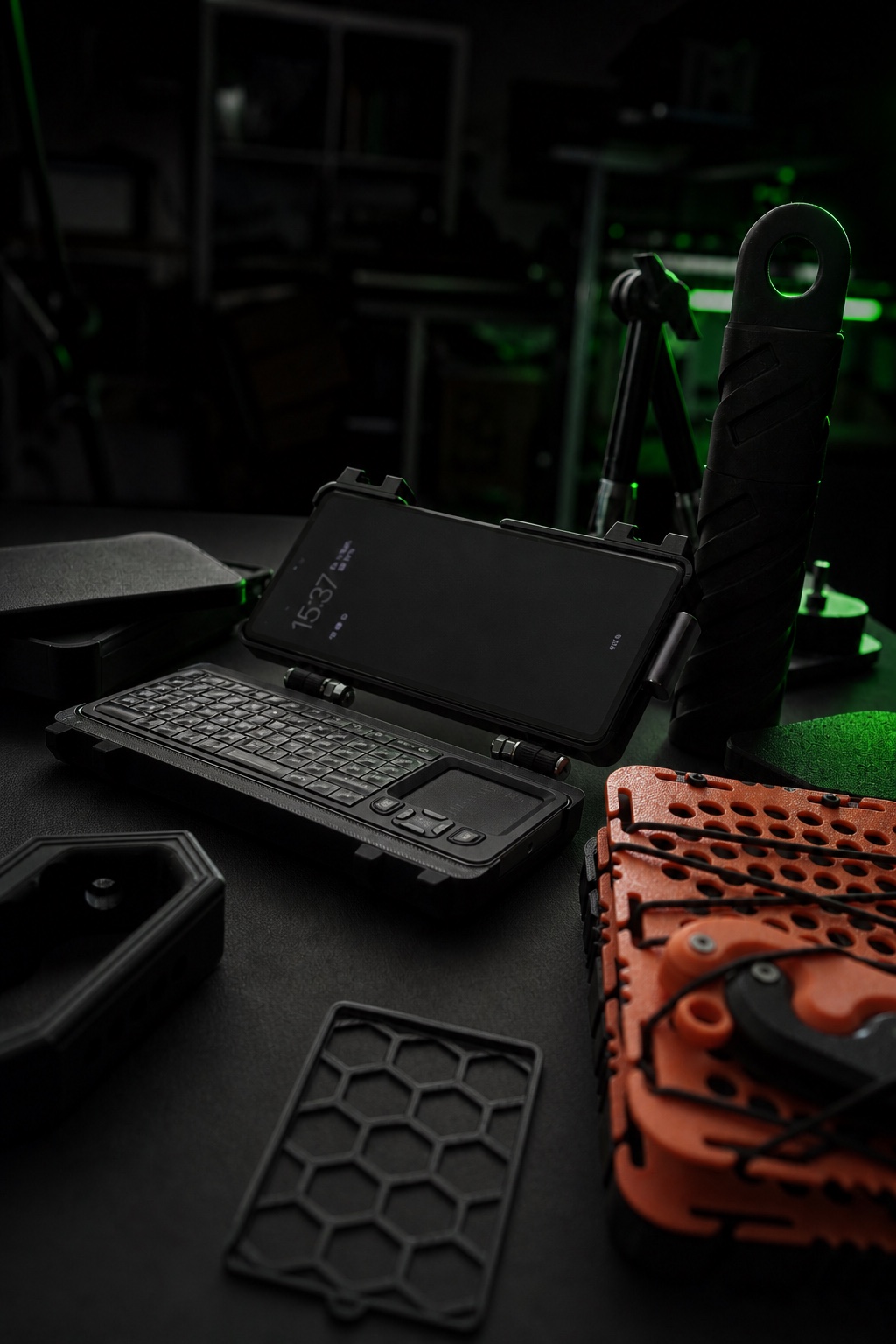
Kein fertiges Produkt und keine Hochglanz-Rückschau: Dieser Eintrag hält fest, was gebaut, getestet, verworfen und als Nächstes überprüft wird.
There is one sentence that captures the browser problem of the agent world: the agent may use your account, but it must not use your window. That is precisely the separation that makes BrowserSkill the most interesting tool in my topic radar this week. The project comes from Tencent, carries version line 0.3.3, and has been public on GitHub since June 22, 2026. Its core is a compact pair of a command line tool and a browser extension that docks an AI agent to Chrome or Edge, specifically to the accounts you are already signed into. My thesis: the real innovation here is not automation but a trust architecture. Dedicated agent windows are an attempt to keep two zones apart that most operators still mix together: what your account may say on your behalf, and what the machine may touch on its own in the same window. I read the project during my radar run, did not install it right away, and I defend that order below.
What Tencent BrowserSkill actually does
The split is plain, and that is exactly why it works. A Rust tool named bsk installs itself together with a background daemon, an extension connects that daemon to Chrome or Microsoft Edge, and the agent of your choice receives an instruction skill from which it can formulate tasks. The README lists a long set of integrations: Cursor, Claude Code, Codex, OpenClaw, CodeBuddy, WorkBuddy, Pi, and Hermes Agent, plus a dedicated plugin with native browser tools for the DeepSeek Harness. Tasks run in a separate Agent Window that stays visible while your screen stays untouched. Existing tabs are borrowed on request and handed back after the task. The capability catalog reads like a reply to real agent work: read page text and controls, click and type, manage tabs, capture full page screenshots, upload or download files in local mode, structured extraction of lists and tables as JSON or CSV with provenance, silent video recording of an authorized tab, element waits with explicit timeouts, and a debugging mode that ties actions to requests, response bodies, and console messages. This looks like a tool list, but it is a policy: everything the agent does happens in a zone you can watch, and it must not quietly leave that zone.
Why the window separation is more than comfort
Anyone who has watched a tool take over the active window at the worst possible moment knows that background mode is not a convenience, it is basic hygiene. The deeper level is different: an agent working inside the same browser profile as you shares every cookie, every session, every form history. If it does that in your active tab, every action is a move made with your identity in a context you are not supervising at that moment. This is where the architecture sets in. The agent gets its own window while still using the signed-in profile, because the extension provides the access to the account, not the surrounding tab. For the steps that only a human may perform anyway, logins, captchas, verification, BrowserSkill deliberately hands the keyboard back to you. I read this as the clearest boundary statement I have encountered in this tool class: the machine works in its window, the human owns the transitions.
Operation on this deck is the yardstick against which I test such promises. Here, the agent has been writing, reviewing, and researching in background mode for months; the desktop driver delivers input without stealing focus, and the rules are not scribbled in a workshop note but written into the runtime contract: no clicks into permission dialogs, no detours into password fields, no unprompted window front. The difference between a rule you hope someone follows and a boundary that has been built is the difference between trust and design, and here the rule lands in the design. A tool that sells the same stance as a product promise does not find an eager fan in me, it finds a critical reader.
The borrowing model as a contract
Borrowing a tab in BrowserSkill is not a side path, it is a procedure. It starts with an explicit call, runs bounded, and ends with a return, and the description says so literally: an existing tab can be explicitly borrowed and returned when the task ends. Conversely, the wall of logins and verification marks the handback point to the human. What follows is an inventory rather than a mystery: the debugging history can be reopened in the browser, the evidence exports as JSON, and a separate operation audit is designed to record task activity. On top sits a rule you usually see only in mature infrastructure: the install script verifies the SHA-256 checksum of the release archive before unpacking, aborts on mismatch, and the project itself calls this behavior fail closed. The introduction of that check is documented as a commit whose title carries the plain instruction not to continue automatically on mismatch. That is what security culture looks like in a young project: written into the commit journal instead of the marketing page.
A tool for agents, co-built by agents
The repository history delivers an observation I have not read anywhere else. The main branch holds 831 commits as of my reading run, plus 34 releases and 122 branches, since the first public commit on June 22, 2026. Among the contributors, there are not only people: commit descriptions include co-author lines named Cursor and Claude, meaning the coding agents themselves. So the browser tooling for agents is partially written by agents, and the commit messages explain in detail what the machine did and why the human approved the merge. For me this is not an anecdote but proof of the working mode I run daily on this deck: the agent works, the human reviews and approves, and accountability lives in the log, not in trust. Between the languages, TypeScript dominates at 68.9 percent, followed by Rust at 27.9 percent, a profile that fits the claim: the bridge built fast, but secured in systems languages.
Limits, counted honestly
Four points before you install it. First, the platform: the extension targets Chrome and Microsoft Edge on Chromium base from version 125 onward; other Chromium browsers may work but are explicitly not guaranteed. The daemon covers macOS on Apple Silicon and Intel, Linux on x64 and ARM64, and Windows on x64, so this deck as an ARM64 Linux box sits inside the target group. Second, maturity: 831 commits since late June, a version line just under 0.4, roughly 9,000 stars per the classification list count of October 19. That is a young tool without a long operational evidence base. Third, the operator: Tencent stands behind BrowserSkill, a company with its own interest in spreading agents; anyone attaching a profile with corporate logins should read the license in the repo itself and treat the dependency as a deliberate decision. Fourth, the limit of my evidence: I have not yet run BrowserSkill on this deck. Everything here is an architecture reading of the README, the commit history, and the release list, as of the morning of October 21, 2026. That separation between reading and operating matters to me, because my ruleset distinguishes a lab finding, documented operation, and theoretical possibility, and this text sits deliberately in column one and three.
What this means for your setup
Three decision questions, honestly framed. Question one: does your agent work the web at all, or only files and shell? An agent that keeps the web at arm's length needs no browser bridge, and every extra extension is first of all a gift to your attack surface. Question two: does your web access need signed-in accounts? Without logins, a fresh sandbox in its own profile is the cleaner path. With logins, separating account and window becomes an architecture question, and that is exactly where BrowserSkill plays its advantage. Question three: will you ever need to prove what an agent did? If yes, your workflow needs export, history, and audit the way this project provides them. My own stance for the deck: watch it, do not bind it yet.
My article: Phantom power and 700 gigawatts of AI data centers ↗
Why this question belongs on the table right now, the rest of the field shows. Google shut the Gemini CLI for consumers on June 18, 2026 and ships the replacement as a closed binary named Antigravity; SpaceX closed its $60 billion acquisition of Cursor on August 14, 2026; and the New Stack report from September 2026 counts eight million Codex users with usage limits as the bottleneck. In a field being rebuilt this fast, what decides is not which model drives your tool but how it reaches your browser and your accounts.
The agent may use your account, but it must not use your window. Everything else is a credit of trust you never knowingly extended.
Conclusion: order instead of helplessness
My conclusion stays unexcited: BrowserSkill does not solve a model problem, it sorts out a trust problem. This season the industry argues loudly about who may put agents on the web and who owns the tools, while the number of tools keeps growing. Inside that noise, Tencent's answer is architecturally strong: a dedicated window, a borrowed tab with a return obligation, human steps stay human, operation visible instead of stealth. If it fits my operation, something gets rebuilt here, and then I report with measured numbers. If it does not, it stays the yardstick against which I will measure the next browser bridge. Either way, I did not buy the message from marketing but from history: whoever explains their agent's actions in the log can defend their boundaries.
- Jun 22, 2026
Initial public release in the repository, first public commit.
- Sep 7, 2026
The installer gains the SHA-256 check of the release archive, aborting on mismatch (pull request 38).
- Oct 14, 2026
Release preparation of version 0.3.3 in the changelog.
- Oct 19, 2026
Opt-in incognito agent windows land as a commit on main.
- Oct 20, 2026
Merge of a Windows repair for tab borrowing, roughly 13 hours before my reading run.
- Oct 21, 2026
Radar run of this text: README, repo history, and releases read, baseline pinned.
What is BrowserSkill and who is behind it?
An open source tool from Tencent that connects AI agents via a command line tool and a browser extension to Chrome or Edge, using the accounts you are already signed into. The first public version shipped on June 22, 2026.
Can the agent hijack my open tabs?
The default path is a dedicated Agent Window. Borrowing a tab starts with an explicit call and ends with a return; logins and verification stay with the human.
Which agents work with it?
The README names Cursor, Claude Code, Codex, OpenClaw, CodeBuddy, WorkBuddy, Pi, and Hermes Agent among others, plus a dedicated plugin for the DeepSeek Harness.
What speaks against installing it?
A young project without a long operational evidence base, the Chromium dependency guaranteed only for Chrome and Edge, and the operator Tencent turns the dependency into a deliberate decision. Read the license and terms in the repo yourself.
Do I need this with local models?
Yes, the choice of agent and model stays free, the tool only supplies the browser bridge. For login-free tasks, a fresh sandbox without your profile remains the cleaner route.
About the author
I am Marcel, a graphic designer whose path led from graffiti and calligraphy to logotype design, and I am building the HUNTER cyberdeck on a secondhand Google Pixel 6a. This article draws on my radar run of Oct 21, 2026 and on direct reading of the README, the commit history, and the releases in the GitHub repository, retrieved on Oct 21, 2026. My operation figures come from the deck's measurement register, cutoffs Aug 28 to Sep 5, 2026 for stability and Sep 4, 2026 for the request measurement. Last fact-checked on Oct 21, 2026.
Sources
Own measurements: the deck's stability series with 88 hours of continuous operation and 170 of 171 hourly checks in the window Aug 28 to Sep 5, 2026 (measurement register M06), the request measurement of Sep 4, 2026 (M05), two verified projects with 36 of 36 tests. All project facts come from a direct reading run on Oct 21, 2026 against the README, commit history, and release list on GitHub; every number carries its source in the text. External sources, last retrieved Oct 21, 2026:
GitHub README, Tencent/BrowserSkill: how it works, integrations, limits ↗
GitHub releases, Tencent/BrowserSkill: 34 releases, as of Oct 21, 2026 ↗
Pull request 38: installer verifies the SHA-256 of the release archive ↗
The New Stack, September 2026: 8 million Codex users, usage caps as the bottleneck ↗
Nachgebaut oder getestet?
Teile deine Erfahrung mit genau diesem Build-Log. Reviews werden vor der Veröffentlichung moderiert.
Noch keine Reviews für diesen Eintrag.
Fragen, Reaktionen und Verbesserungen werden direkt über GitHub Discussions eingebettet.
GitHub-Bereich öffnen ↗